WEBSITE DESIGN AND LEARNING
From Chess Openings to Better Website Design: Make the Next Step Clear
A visitor arriving on a business website faces a familiar question: what should I do next? Chess offers a useful way to think about that first decision, and about the design that helps people move forward.
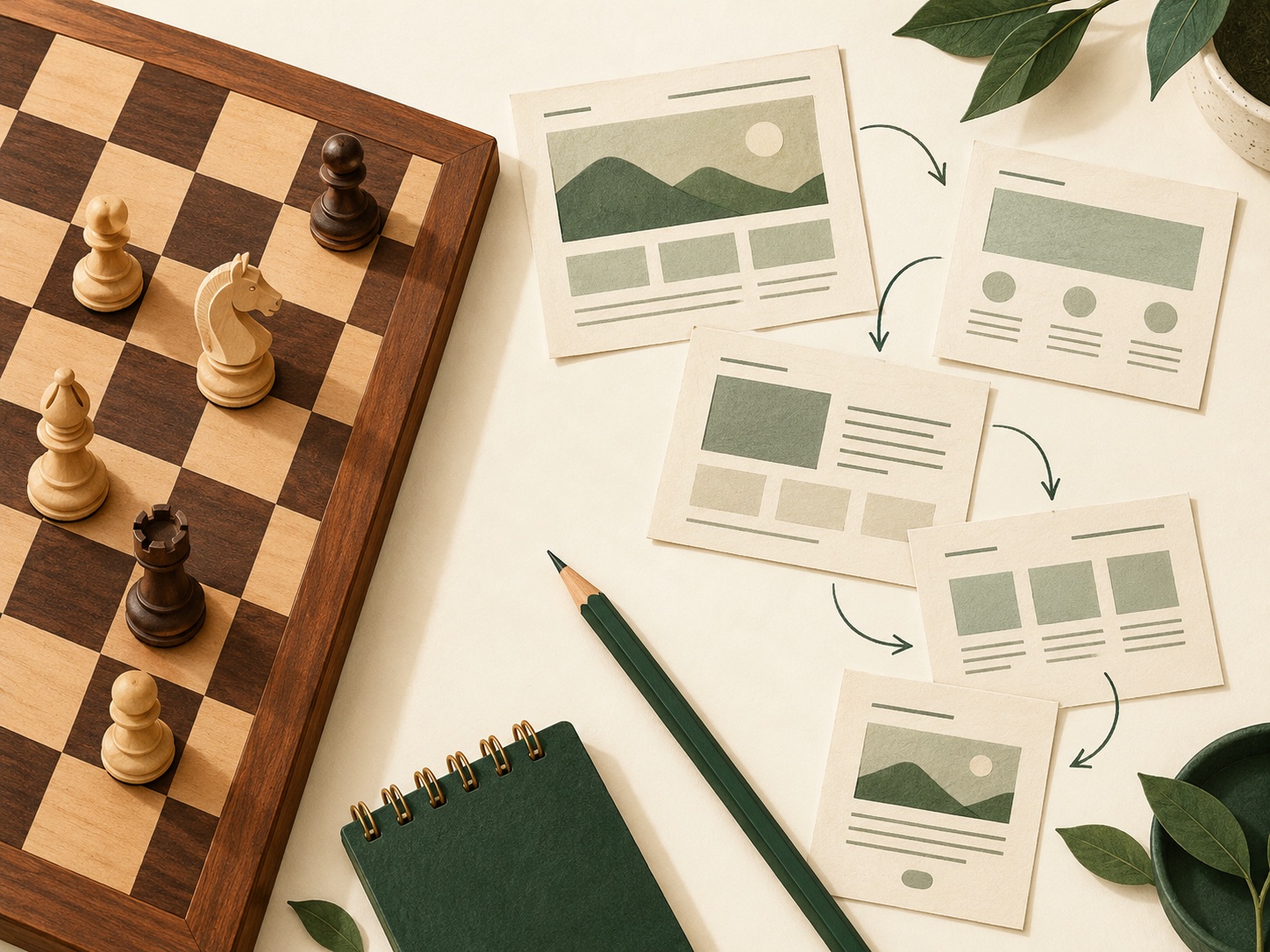
Help visitors understand their next step
Clear headings, manageable choices and specific actions make a website easier to follow. Chess learning offers a useful example of connecting explanation with something a visitor can do.
A good opening gives people a direction
The first few moments on a website matter because visitors are trying to orient themselves. They need to recognise what the business offers, decide whether it fits their situation and find a sensible next step. A striking visual helps only if the message and navigation make sense alongside it.
Chess provides an interesting comparison. An opening gives a player a starting framework, but the position still needs attention. In website design, a familiar structure can help visitors get started, while the content must respond to their actual questions. The comparison is a planning tool, rather than a claim that playing chess automatically improves business performance.
An example: turn a subject into something visitors can do
For readers who want to learn chess openings, Chess Openings Mastery connects explanatory content with practice on a board. Its homepage introduces the activity directly and offers routes into openings, while a suggested starting path helps people who are unsure where to begin.
The useful website lesson is the connection between the visitor’s aim and the next action. A learning resource needs a route into learning. A local service business needs an equally clear route into understanding a service, checking suitability or making an enquiry. The button should follow naturally from the promise above it.
Offer useful choices in a sensible order
A website can contain plenty of useful information and still make a decision difficult. Presenting every service, article and offer with equal emphasis asks visitors to do the organising themselves. Start by identifying the choice that matters most at that point in their journey.
On the reviewed London System page, practice links are grouped into common replies, sharper options and advanced hybrids. Those categories give the catalogue an order. A business can apply a similar principle by separating its core services from specialist options, then explaining who each route suits.
For example, a fictional design studio might offer three routes: a first website, an existing-site refresh and ongoing support. Each should lead to relevant details. Those labels are more useful when they reflect the customer’s situation than when they simply repeat an internal department name.
Support understanding as well as action
Giving people a prominent button is only part of the job. They also need the information that makes the decision reasonable. A service page might explain scope, typical stages, what the customer needs to provide and how pricing is agreed.
The chess site’s London System page includes expandable material on plans, pawn structures and strengths and weaknesses alongside its training routes. That combination illustrates a useful balance: action for someone ready to begin, explanation for someone who wants more context.
For a business website, use short summaries with optional detail where appropriate. Keep essential facts visible; avoid hiding information that a customer needs before contacting you. Longer answers can sit in clearly labelled sections that people can explore at their own pace.
Use feedback to remove uncertainty
Once a visitor takes an action, the website should make the result understandable. A contact form should explain whether a message was sent and what happens next. If a field needs correcting, identify it clearly and retain the information already entered.
This is where the chess analogy is helpful again: an action without a visible response leaves the person unsure how to continue. On a business site, confirmation wording, selected states and helpful error messages are part of the customer journey. They deserve the same care as the headline and hero image.
Review the route yourself using a safe preview or agreed test process. Check whether the next step remains understandable after something goes wrong, rather than judging only the ideal path through the page.
A practical review for your own website
Start with one important page and one visitor intention. Write down what that visitor needs to understand, the action they should be able to take and the information they need before taking it. Then check whether the heading, section order and link labels support that intention.
Ask someone unfamiliar with the business to describe what the page offers and where they would go next. Their explanation can reveal unclear wording or competing choices. Treat their feedback as evidence to investigate, rather than assuming that a preferred colour or layout will improve enquiries.
A useful website is built from understandable decisions. The connection with chess is not about copying a rigid sequence: it is about giving the first move a purpose, making the available options legible and paying attention to what happens next.
Sources and editorial notes
Published 27 October 2026 by Admin. Website examples reviewed on that date: Chess Openings Mastery and its London System page. Observations concern their public content, navigation and visible practice links. Business examples are illustrative; the chess parallels are editorial suggestions, not measured claims about business results.
Image: an original AI-generated chess-and-website-planning illustration created for this article. It is not a screenshot of the reviewed website.