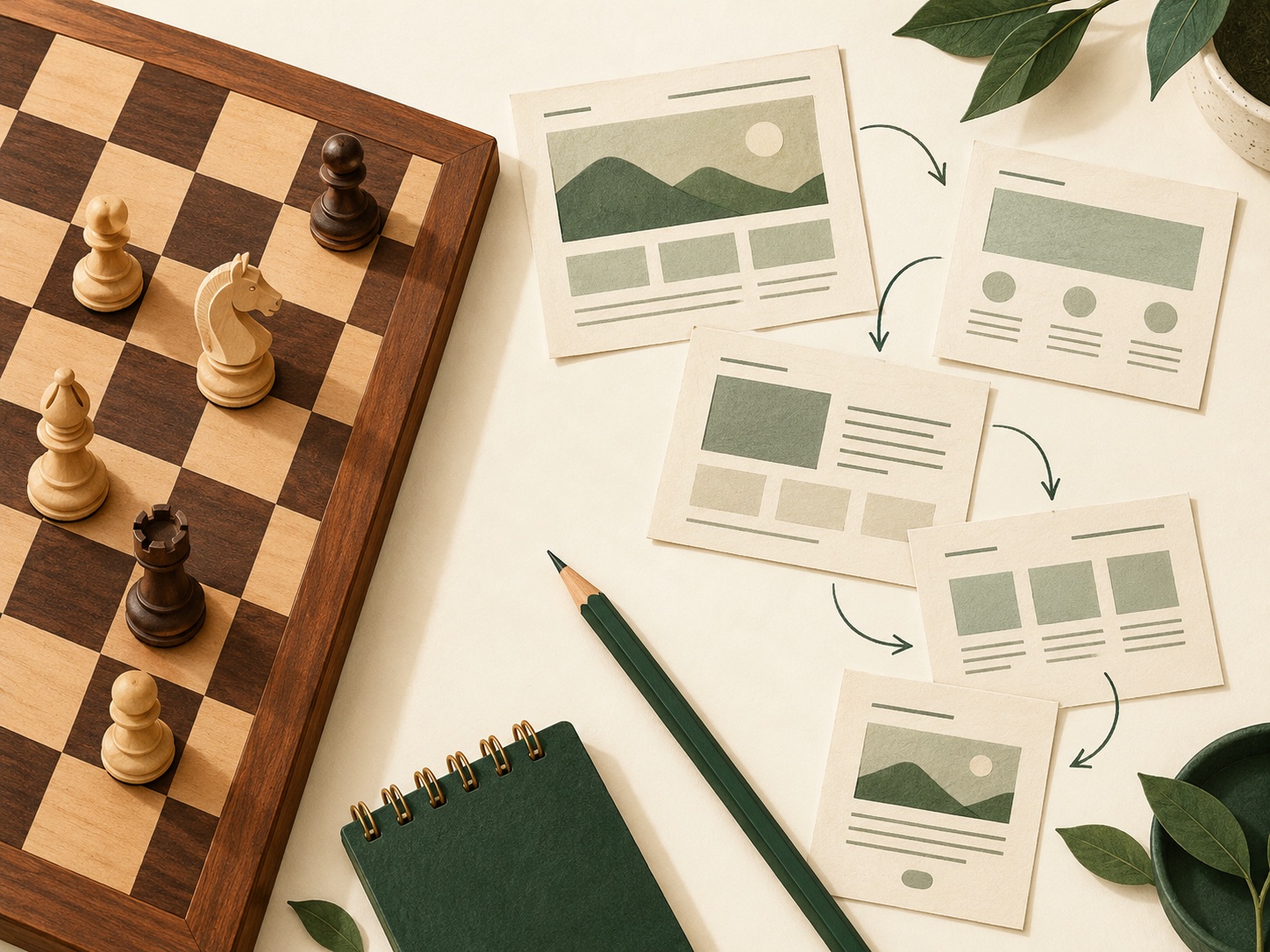
From Chess Openings to Better Website Design: Make the Next Step Clear
Choices & navigation
What chess openings can teach us about giving visitors a clear next step.
Read articleDecide what each page needs to explain, where visitors should go next and how they can contact you.
Plan your pageRead the website guideTell readers what you do and where you work.
Choices & navigation
What chess openings can teach us about giving visitors a clear next step.
Read articleCustomer contact
Connect a useful business website with a familiar number and a practical way to answer calls.
Read articleChoose one page to work on. Use these three questions to decide who it is for, what it needs to explain and what readers should do next. Print the sheet to write down your answers.
Your checklist selections are not saved or sent to us.
Describe the customer and the situation they are in.
List the information they need before taking action.
Name one useful action and a clear label for it.
Practical website design for small businesses that want to get found. Start with what customers need, make your services easy to understand, and give visitors a clear next step. This independent guide brings together useful ideas for planning pages, improving mobile usability and building a credible presence in search.
Read the common questions
Before choosing colours, write a short brief: who the website is for, what they need to know, and what you want them to do. A local electrician, a specialist shop and a business consultant need different journeys. Design around the most useful enquiry or purchase, rather than a list of features you might never use.
Try this practical exercise: ask someone unfamiliar with the business to read your proposed opening paragraph. Can they explain what you offer, who it helps and how to contact you? Replace vague slogans with a clear description. A hypothetical headline such as 'Garden maintenance for homes in Bristol' says more than 'Exceptional solutions for everyone'.
Choose one main action for each page: request a quote, arrange a call, book an appointment or view a product. Keep supporting information nearby. These are planning suggestions, not a promise that a particular layout will increase sales.
For many small service businesses, a useful starting structure is a homepage, a page for each genuinely distinct service, an about page and a contact page. Add examples of your work when you have permission and something specific to show. A shop will need product and purchasing information instead. Build the structure around what customers need, not an arbitrary page count.
Make menu labels familiar. 'Services', 'Our work' and 'Contact' usually explain more than clever names that visitors must decode. Link from an overview to the relevant detail and back again. W3C's page-structure guidance explains how organised headings and meaningful regions help people understand and navigate a page.
For a service page, consider the customer's practical questions: what is included, who it suits, where it is offered, how the process works and how to enquire. Put the answers in a sensible reading order.
Use the vocabulary your customers understand. Explain a specific service in a descriptive page title, heading and readable body copy. Google's SEO starter guide recommends clear organisation and useful link text. Repeating a phrase in every sentence makes a page harder to read; it is not a substitute for explaining the service well.
Add the details only your business can provide: the actual process, common constraints, genuine project examples and questions customers ask before booking. Google's people-first content guidance encourages helpful information created for readers. Do not invent reviews, qualifications or experience to make the page seem more convincing.
A hypothetical decorator might explain preparation, access arrangements and how a quote is put together. That practical information can be more useful than another paragraph saying the work is 'high quality'. Use original photographs where appropriate and permitted, and keep descriptions accurate.
If you serve a local area, say where you actually work and how customers can reach you. Keep the business name, contact details and location information accurate wherever you publish them. Google's business-details guidance explains how an official website and a verified Business Profile can support a recognisable presence in Search and Maps.
Check eligibility before setting up a Business Profile. Google's rules generally require in-person contact with customers, subject to stated exceptions. An online-only editorial site is not automatically eligible. Describe the real business rather than creating a made-up local office.
Avoid pages that merely swap one town name for another. When a location genuinely needs a separate page, give readers distinct, relevant information. Service boundaries, travel arrangements and real local work may be useful if they are accurate. Do not claim to serve every nearby place just to fill a map.
Open the proposed site on a narrow phone screen early. Can someone read the text, use the menu and reach the main action without sideways scrolling? Check the contact form too, including its labels, required fields and error messages. A striking desktop design should still work when a customer is standing outside with one hand on their phone.
W3C's design tips cover contrast, clear navigation, visible interactive elements and associated form labels. Use these as a starting point, not a claim that a quick visual check certifies accessibility. Try keyboard navigation, check that focus is visible and use headings that reflect the content's structure.
Keep images appropriately sized and avoid distracting overlays. Google's page-experience guidance considers mobile display, secure delivery and the overall experience, as well as performance. Test the important journey after changes, rather than chasing a score while the enquiry button is hard to find.
Before launch, ask a person outside the project to complete one realistic task: find the right service and explain how they would enquire. Watch where they hesitate. Check contact details, spelling, links, image permissions and the behaviour of the site at different screen sizes. Agree who owns the domain, hosting account and content, and who will maintain them.
Verify ownership in Google Search Console when the site is ready. Its reports can help you investigate indexing and understand search impressions and clicks. A sitemap may help discovery, but submitting one is not a guarantee that every page will be indexed. These are tools for the business owner to configure, not services automatically supplied by this guide.
Keep a simple improvement log. Review which pages attract relevant searches and whether real enquiries are useful to the business. Fix a clear obstacle, then assess what changes. Page views, search clicks and completed enquiries are different measures; do not treat them as interchangeable.
Start with what customers need to decide and act. For a service business, that often means a clear overview, relevant service details, credible information about the business and an easy contact route. Products, appointments or complex enquiries may require additional pages. There is no universal ideal number.
A compact site can be a sensible first step when the offer is simple. Add a page when it answers a distinct need, rather than stretching the same information across several URLs.
A one-page site is not inherently excluded from Search. However, one URL may be less practical when several services need substantial, separate explanations. Choose the format for the reader and the scope of the business, rather than assuming that a page count determines rankings.
Google gives no guarantee that a particular site will be indexed or rank first. Clear content and a working website are foundations to improve, not a shortcut to a promised position.
Compare the work you can realistically do yourself with the help you need. A builder may suit a straightforward site if someone can maintain the content and settings. A designer may help with structure, accessibility, copy and more specialised requirements. The platform alone does not decide whether the result will be useful.
Ask how you will update pages, who owns the accounts, what happens if you leave and which ongoing costs apply. Make those answers part of the brief before committing.
There is no single useful price without a scope. Separate design and build work from copywriting, photography, hosting, maintenance and optional features. Ask for a written description of what is included, what you must supply and what later changes will cost.
Compare proposals against the same requirements. A simpler site with a clear purpose may be a better starting point than paying for features nobody will maintain. This guide does not sell design packages or publish current quotations.
There is no reliable deadline for every site. Google's guidance says changes can take differing amounts of time to appear in search results, and not every change produces a noticeable improvement. Treat anyone promising a guaranteed first position or a fixed timetable with caution.
Use Search Console to check whether important pages can be found and indexed, then review relevant queries and clicks over time. Make useful improvements and measure them patiently. Search visibility is part of running the site, alongside the quality of the service and the experience after a visitor arrives.
This independent guide is an introductory resource, not personalised professional advice or an endorsement by the organisations listed. Links are included to help you find reliable information. No business has paid for an editorial mention in this guide. Know a useful resource, or spotted something that needs correcting? Tell us below.
Photograph: Aleksi Tappura / Unsplash via Wikimedia Commons. Original and rights information. CC0 1.0. Displayed without alteration; the responsive layout may crop its visible area.
Send a correction, suggest a useful link or ask about a potential sponsorship.
When you use the contact form, the name, email address, enquiry type and message you provide are used to respond to your enquiry. Your details are not published or sold, and submitting the form does not subscribe you to marketing.
Messages are delivered using an email service. Basic security logs may contain technical information, such as IP addresses, to help protect the site from abuse. To ask about your information or request its correction or deletion, please use the contact form.